
Private notes and files for Android
A notepad with a hidden vault for your photos and files
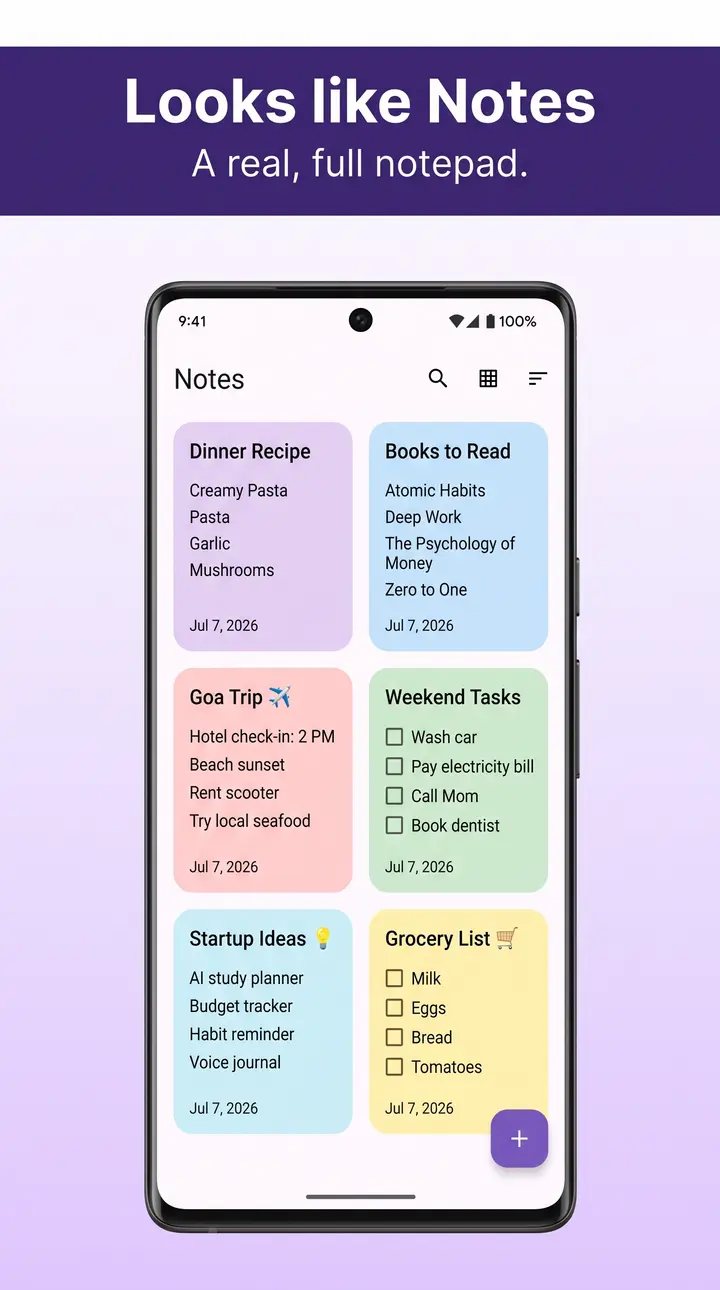
My NoteVault looks and works like an ordinary notepad. Search for your secret word, enter your password, and a private AES-256 vault opens. Your notes and files stay on your phone.

Encrypted on your phone
AES-256 for vault files, with keys made from your password on the device.
No account
No sign-up, no email, no phone number. Install it and start.
13 languages
From English and Spanish to Arabic, Japanese and Vietnamese.
Open about data
Ads, analytics and crash reports use standard device data, never what you store.
Your secret word opens the vault
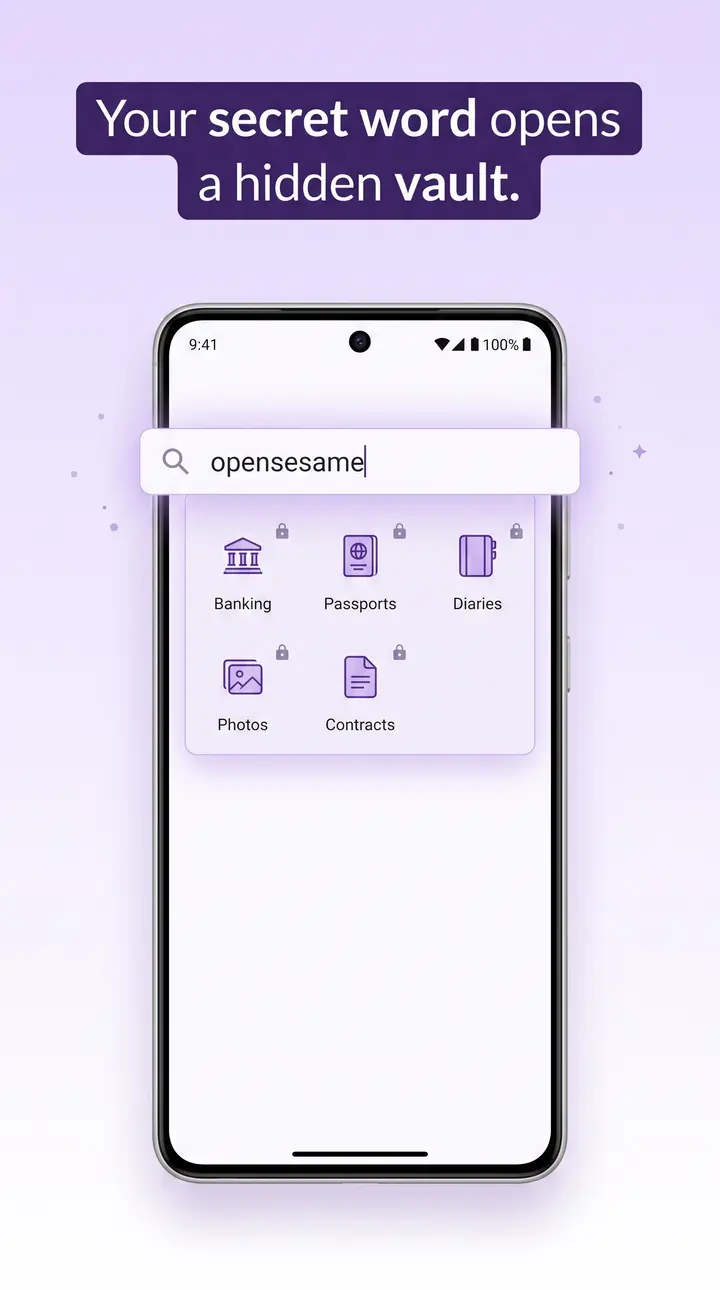
Anyone who opens My NoteVault sees a working notepad. Type your secret word in the notepad's search bar and the vault's unlock screen appears; enter your vault password to open it. Close the vault and the app is a notepad again. Home-screen widgets show notes, never what is in the vault.
Hide photos, videos and documents
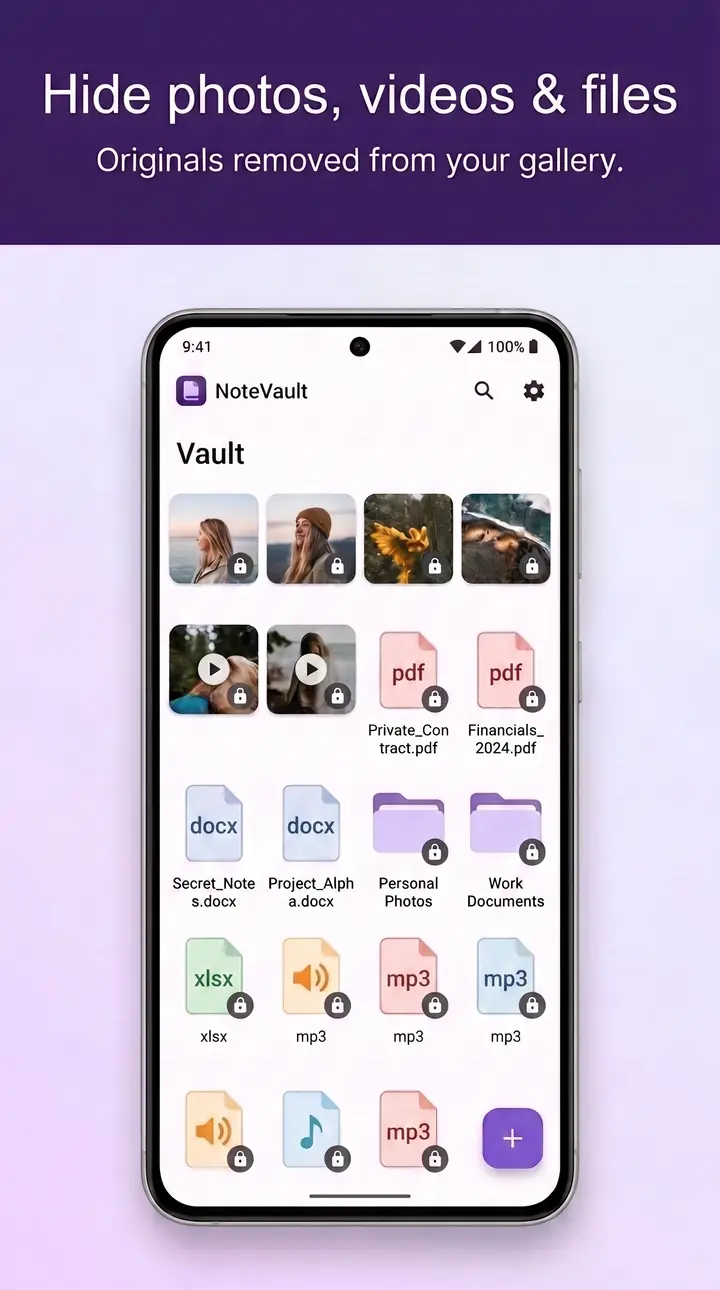
Move photos, videos, documents and whole folders into the vault. My NoteVault encrypts every file with AES-256 inside the app, then asks your permission to remove the original from your gallery. View photos and PDFs without leaving the vault, and take new photos straight into it with the in-vault camera.
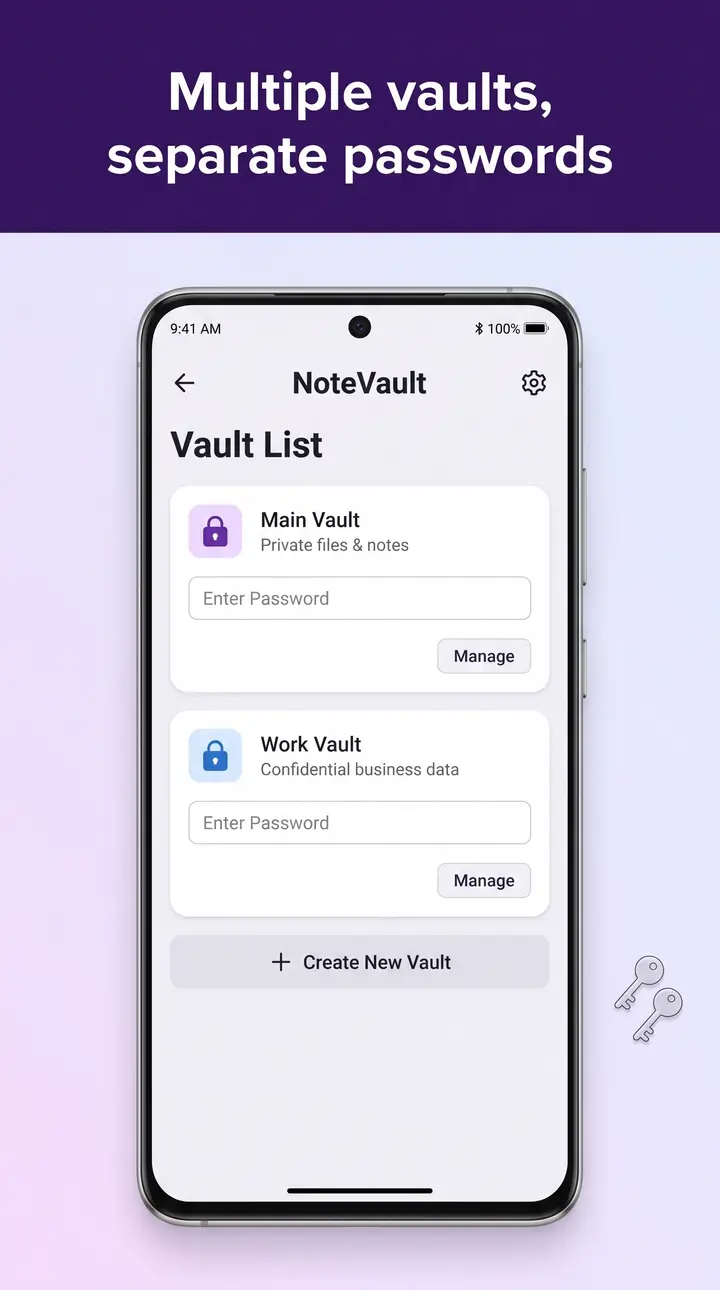
Separate vaults, separate passwords
Create as many vaults as you need, each with its own password and its own encryption key. Keep documents in one and photos in another; opening one never opens the others. Unlimited vaults are part of the free version, not an upgrade.
Who holds the key to your files?
Most mainstream cloud storage encrypts your files, but the provider holds the keys, so its systems can read them. My NoteVault keeps your files on your phone and makes the key from a password only you know. The trade-off: nobody can recover that password for you.
| Typical cloud storage (default settings) | My NoteVault | |
|---|---|---|
| Where your files live | On the provider's servers | On your phone |
| Who holds the key | The provider | You: it is made from your password, on your phone |
| Can the company hand over readable files? | Yes, because it holds the key | No: ZeengoCorp never receives your key or a readable copy of your files |
| Account needed | Yes | No |
| If you forget your password | The provider can reset your access | Your recovery code gets you back in; without it, nobody can |
| Open from any device | Yes | With Cloud Space (optional); otherwise, move files with an encrypted transfer |
Security, in plain terms
Vault files are encrypted with AES-256 and vault databases with SQLCipher. Keys are made on your phone from your password with PBKDF2-HMAC-SHA256 and 100,000 iterations, one key per vault.
Free to use. Premium if you want more.
Premium is $1.49 a month and removes ads.
Free
$0 with ads in the notepad
- The full notepad and home-screen widgets
- App lock for the notepad
- Unlimited vaults
- Hide photos, videos, documents and folders
Recommended
Premium
$1.49 a month, billed by the store
- Everything in Free
- No ads
- Fingerprint unlock for the vault
- Vault PIN and vault pattern
Cloud Storage
Cloud Space
From $19.99 a year, includes full Premium
- Everything in Premium, for the full year
- Files encrypted on your device before upload
- 1 GB to 100 GB a year (5 GB recommended, $24.99)
- Open your files on your phone and in one browser
Custom
Personal Space
$7,342 a month
- Premium access built around the one feature you need
- Arranged directly with our team
- Tell us your requirements and we reply by email